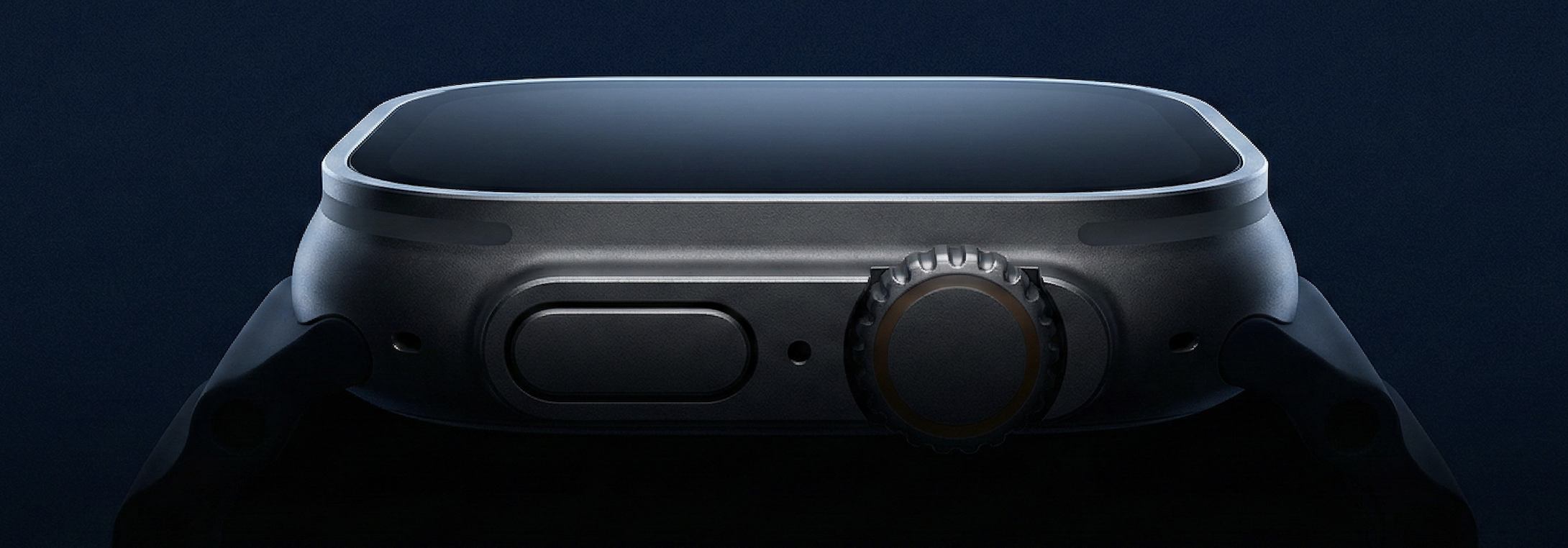
Silent Slide
The clicker is gone.
Turn your Apple Watch into a precision instrument.
One gesture. Absolute control.
The GestureGesture.
Gesture.
Signal.
Slide.
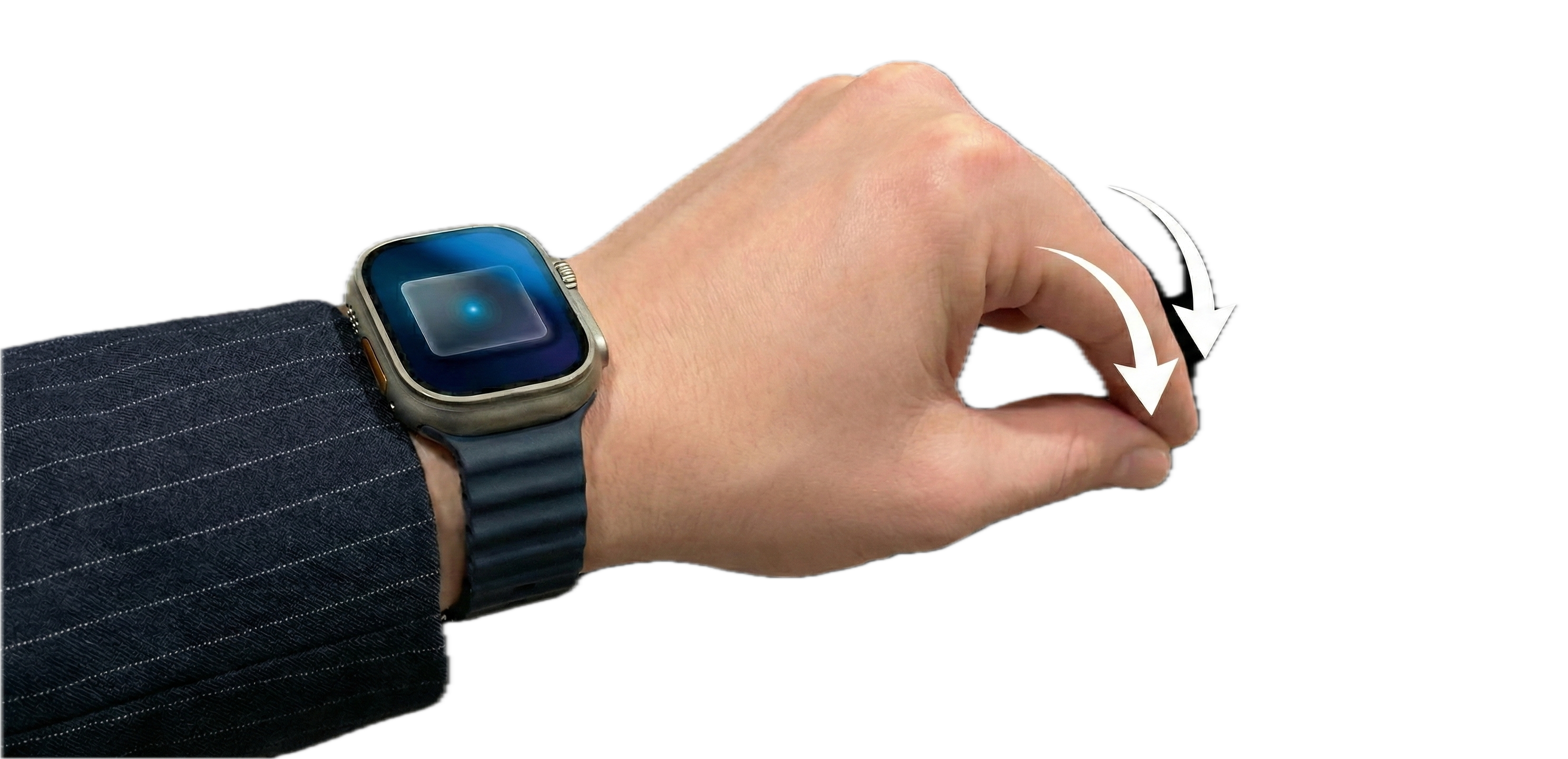
Thumb meets finger. The Watch detects. The slide advances. No buttons. No interruption.
The Philosophy
Invisible friction.
Presentation remotes are clumsy. They are plastic, they disconnect, and they occupy a hand that should be free. Silent Slide removes the object but keeps the control.
Privacy FirstOffline ReadyZero LatencySmart DetectionHaptic Feedback
Keynote
PowerPoint
Google Slides
PDF Viewers
Works with any app that responds to arrow keys
Pricing
Free
Free during launchNo ads. No in-app purchases. Just works.
Double-tap gesture controlCrown navigationPresentation timer with hapticsAuto-detect Keynote & PowerPointAll future updates included
Important: Download on both your iPhone and Mac for Silent Slide to work.
Available Now
Two apps. One seamless experience.
Silent Slide works by connecting your Watch to your Mac through your iPhone. Download both apps to get started.
How it works: Your Watch sends gestures → iPhone relays → Mac advances slides. All three devices work together.